Image Slider

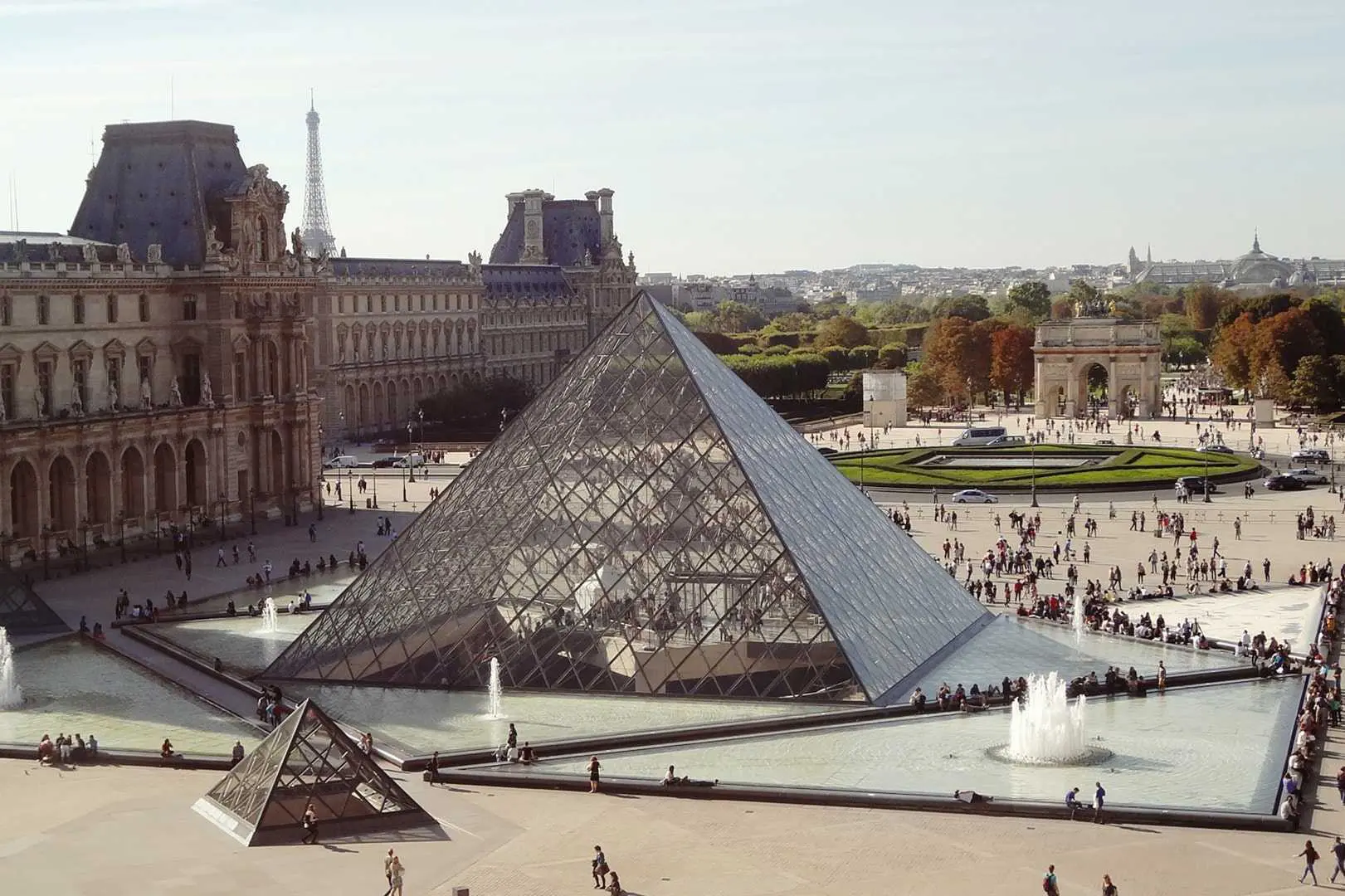
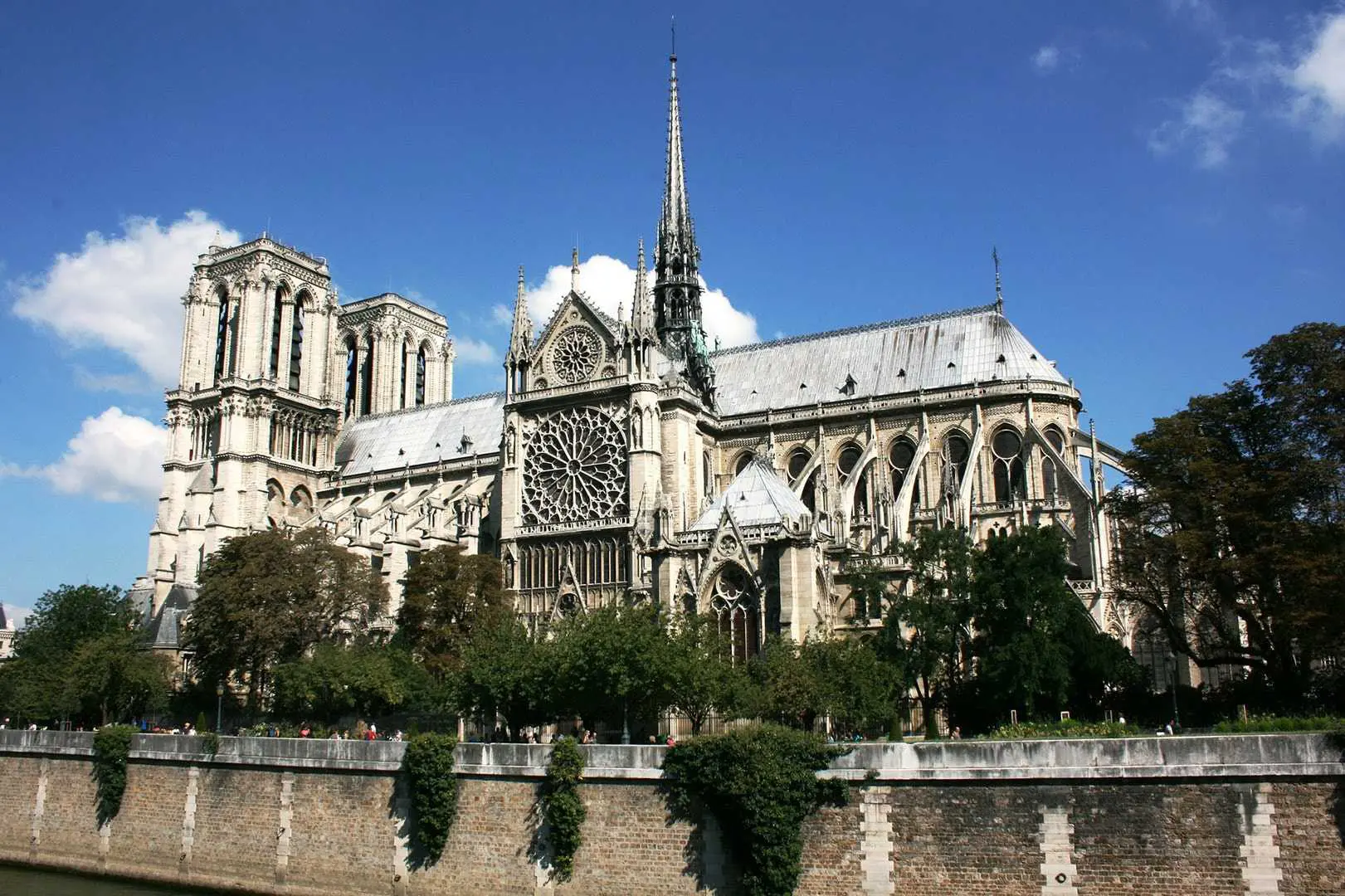
The images are from Unsplash

Simple hover effects with box-shadow

This css includes colour only (Includes 21 colour, also gradient colour)
This css includes -xs- breakpoint only
This css includes -sm- breakpoint only
This css includes -md- breakpoint only
This css includes -lg- breakpoint only
This css includes -xl- breakpoint only
This css is from adminLTE
Image with text v1
Image with text v2

How to force dark mode on chrome.

  1. Type chrome://flags/#enable-force-dark into the URL.
  2. Go to dropdown menu next to "Force Dark Mode" and select "Enabled"
  3. Relaunch Chrome

Header 4

Text here

Header 4

Text here

Placeholder 140x140

Heading

Some representative placeholder content for the three columns of text below the carousel. This is the first column.

View details »

Placeholder 140x140

Heading

Another exciting bit of representative placeholder content. This time, we've moved on to the second column.

View details »

Placeholder 140x140

Heading

And lastly this, the third column of representative placeholder content.

View details »

This is the second item's accordion body. It is hidden by default, until the collapse plugin adds the appropriate classes that we use to style each element. These classes control the overall appearance, as well as the showing and hiding via CSS transitions. You can modify any of this with custom CSS or overriding our default variables. It's also worth noting that just about any HTML can go within the .accordion-body, though the transition does limit overflow.

Loading...
Loading...
Loading...
Loading...
Loading...
Loading...
Loading...
Loading...
Loading...
Loading...
Loading...
Loading...
Loading...
Loading...
Loading...
Loading...
50%
# Heading Heading Heading
1 Data Data Data
2 Data Data Data
3 Data Data Data